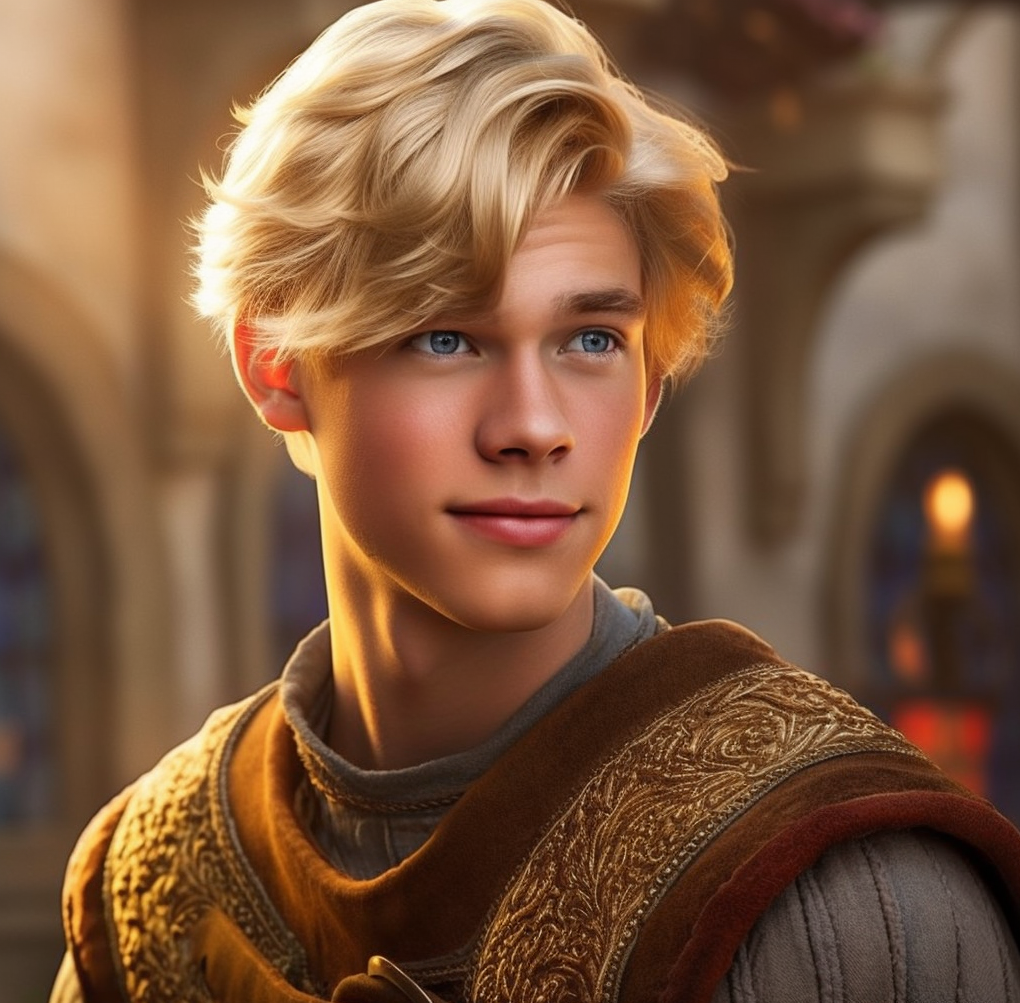
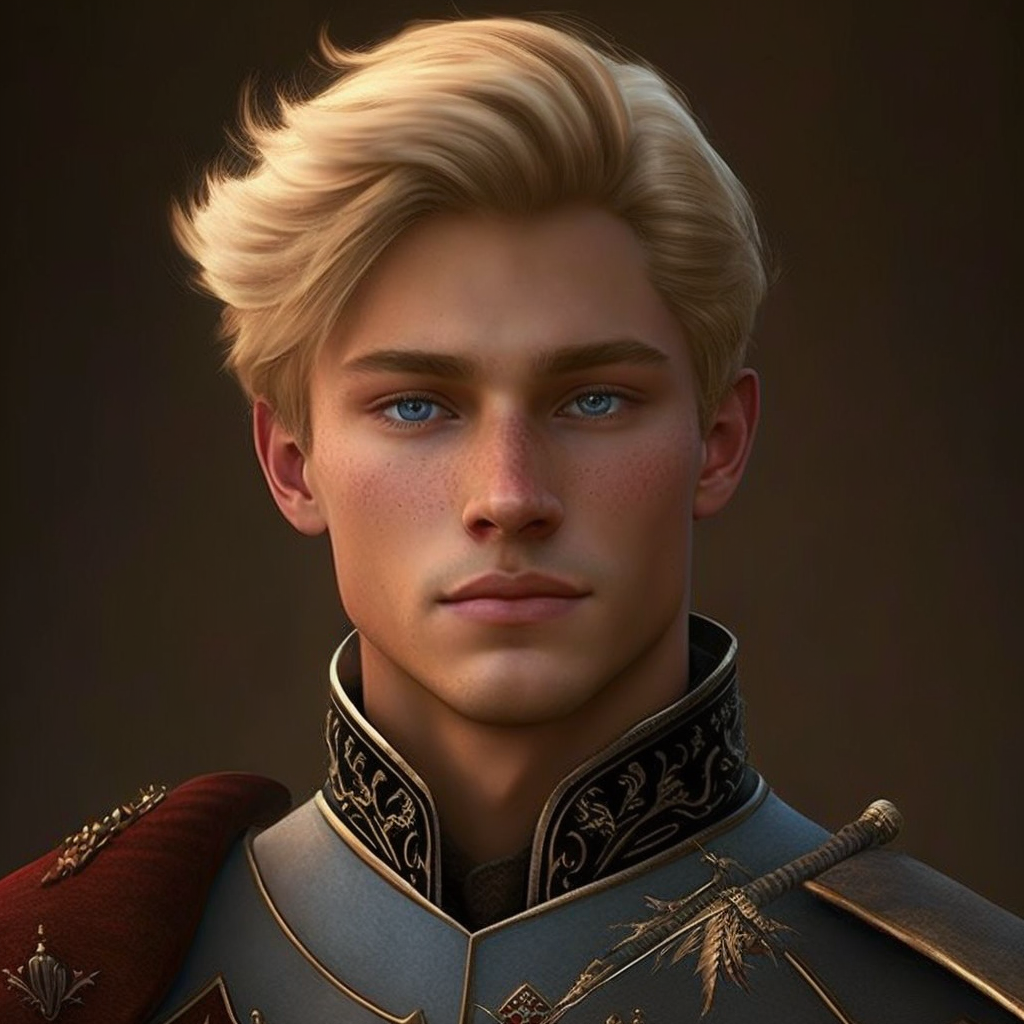
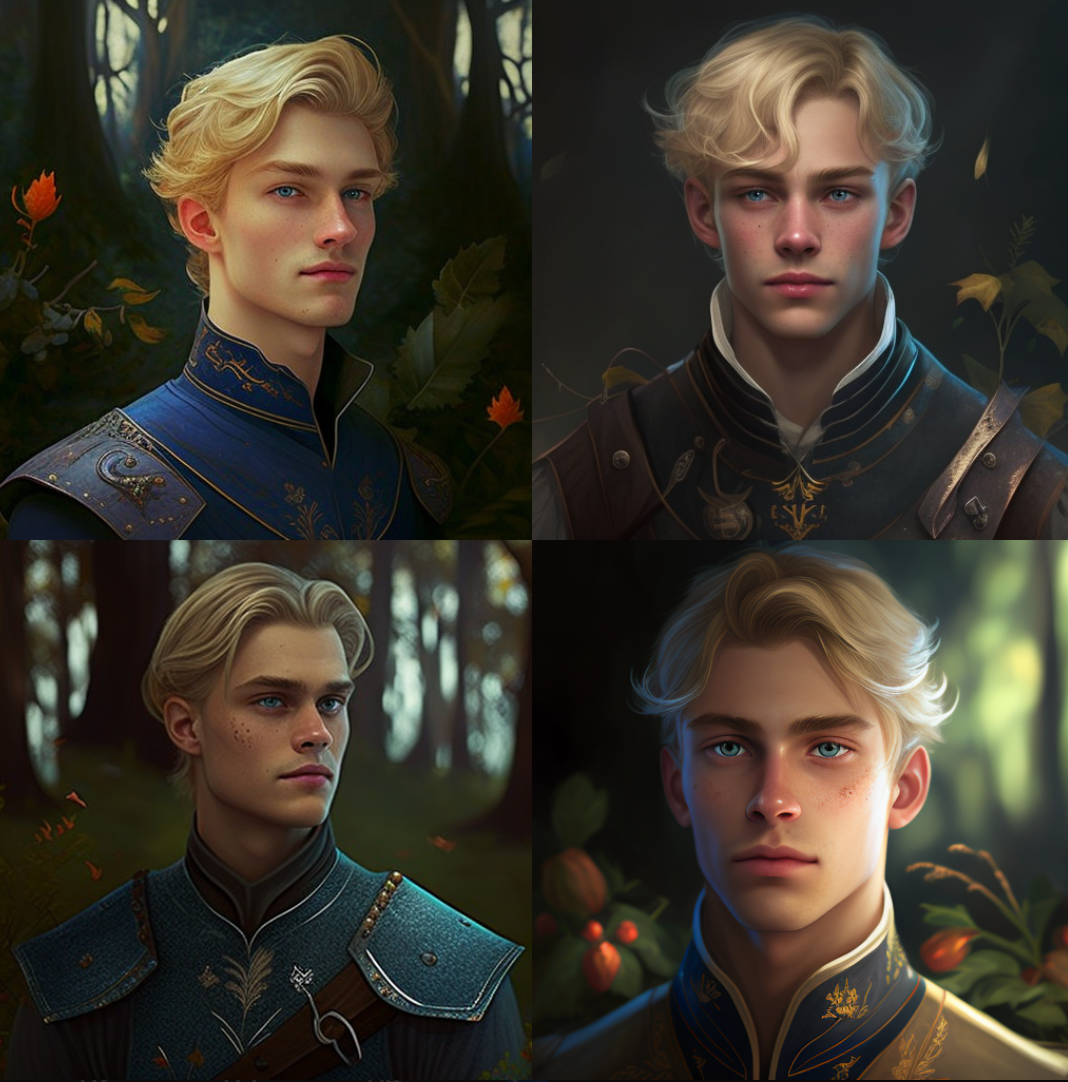
/imagine 18-year-old Swedish prince named Arthur with striking blue eyes and blonde hair, immersed in a medieval world, combining the whimsy of Disney and Pixar with exceptional detail and atmospheric lighting
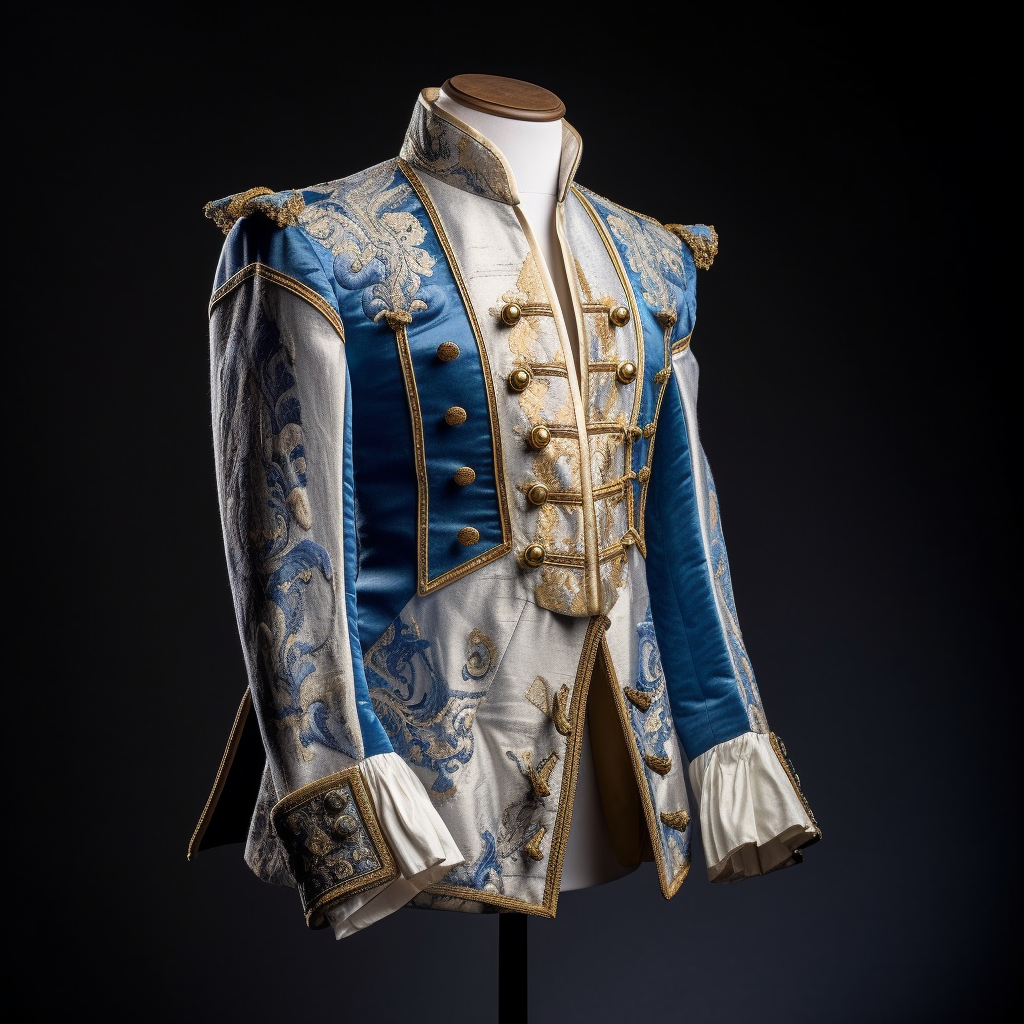
/imagine blue and white jacket with gold detailing for a young medieval prince, immersed in a medieval world, combining the whimsy of Disney and Pixar with exceptional detail and atmospheric lighting
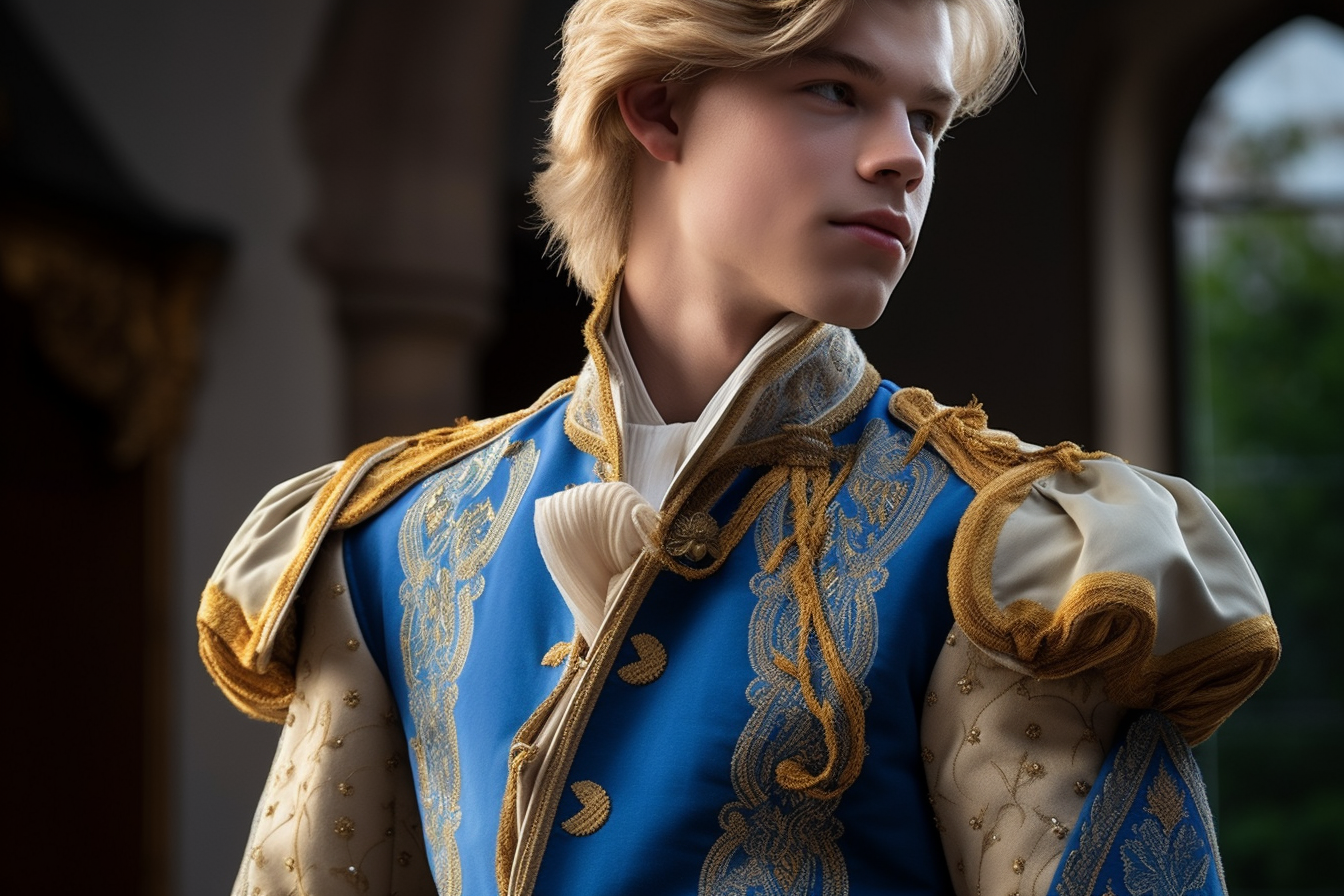
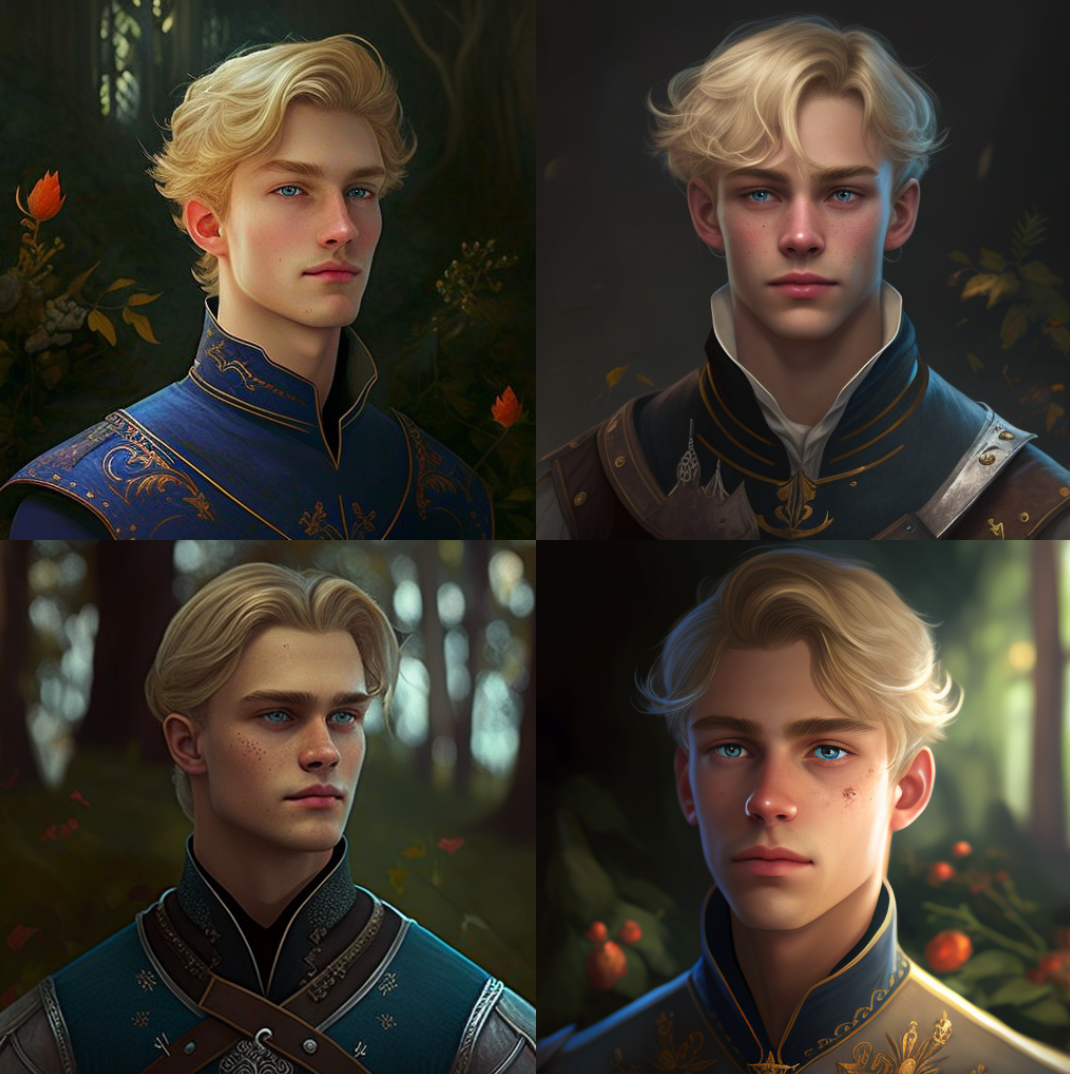
/imagine <img-1> <img-2> wearing blue and white jacket with gold detailing, 18-year-old Swedish prince named Arthur with striking blue eyes and blonde hair, immersed in a medieval world, combining the whimsy of Disney and Pixar with exceptional detail and atmospheric lighting
/imagine Prince Rodrick the Great, elderly medieval prince, character design, in style of Rembrandt — seed 3299135161
这将产生与上述相同的四个图像块(这个提示是我编的;它不是我用来产生上述图像的提示)。我所说的基本提示是 Prince Rodrick the Great, elderly medieval prince, character design, in style of Rembrandt.
然后,你要在基本提示前加上一个面部表情,例如俏皮的微笑。你可以把这称为 “预提示”。
/imagine playful smile::Prince Rodrick the Great, elderly medieval prince, character design, in style of Rembrandt — seed 3299135161
然后,你要在基础提示中添加一个重量:
/imagine playful smile::Prince Rodrick the Great, elderly medieval prince, character design, in style of Rembrandt::1.5 — seed 3299135161
/imagine [IMAGE URL]::Prince Rodrick the Great, elderly medieval prince, character design, in style of Rembrandt::1.5 — seed 3299135161
同样,基本图像块是:
在基本提示权重为1,风格化值为800的情况下,我得到了:
在基础提示权重为1.5,风格化值为800的情况下,我得到了:
基础提示权重为3,风格化值为800,我得到了:
如果基本提示权重为0.25,风格化值为8,你得到的图像就更像图像提示:
我还试验了背景。例如,简单地加入 in a dark forest as a ‘pre-prompt.”
同样,基础提示图像是:
基础提示权重为1,风格化值为800,我得到了:
基础提示权重为2,风格化值为800,我得到了:
基本提示重量为3,风格化价值为800,我得到的是:
黑客帝国的风格
我想尝试改变人物的风格,通过添加提示次 style of the Matrix 到我的基本提示,并给它一个2的权重。 所以提示看起来像 style of the Matrix::2::[Character Name, Character Description] — seed [seed ID]
它实际上工作得很好,我可能可以通过改变权重和风格来调整它:
所以你可以看到,结果可能是参差不齐的,但似乎有很大的空间来创造一致的角色的面部表情,以及结合图像提示和背景。我一直在试验身体的姿势,希望能很快公布我的结果。我希望你觉得这很有用。

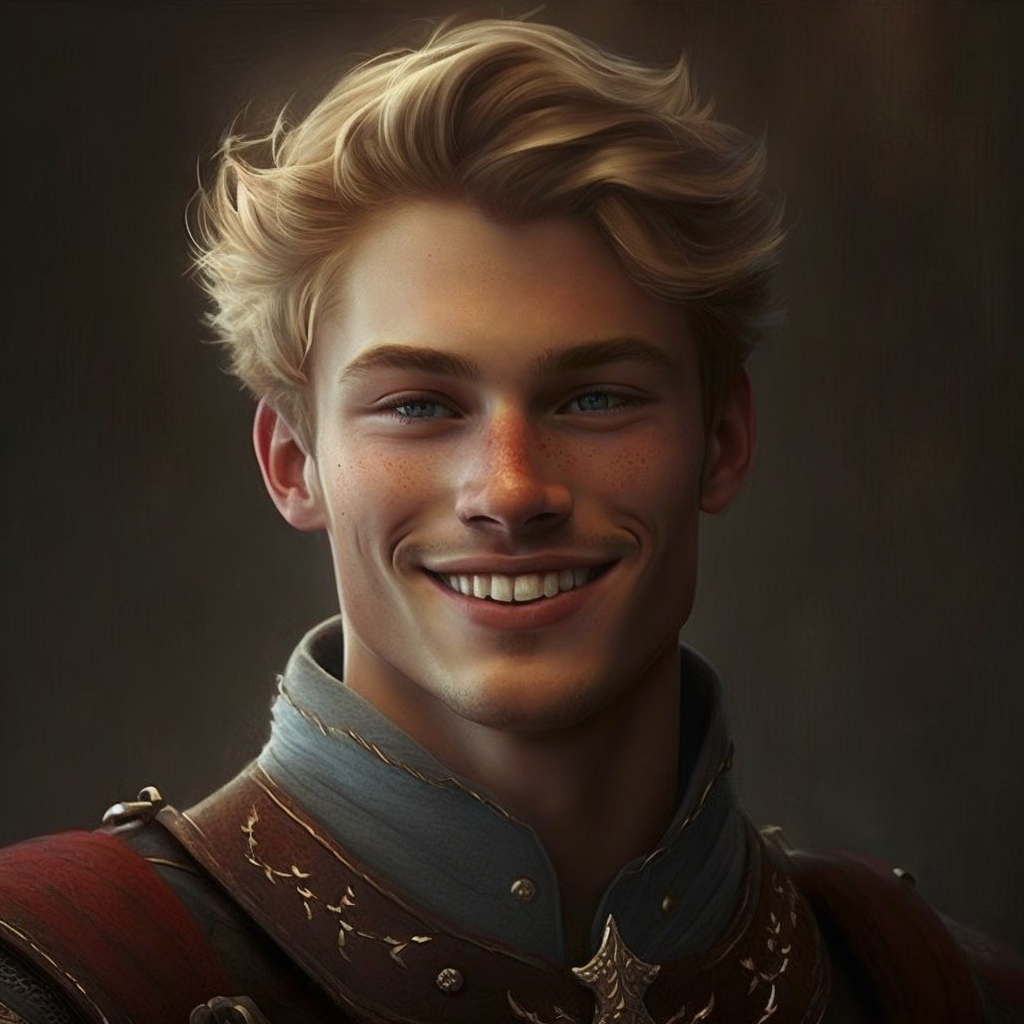
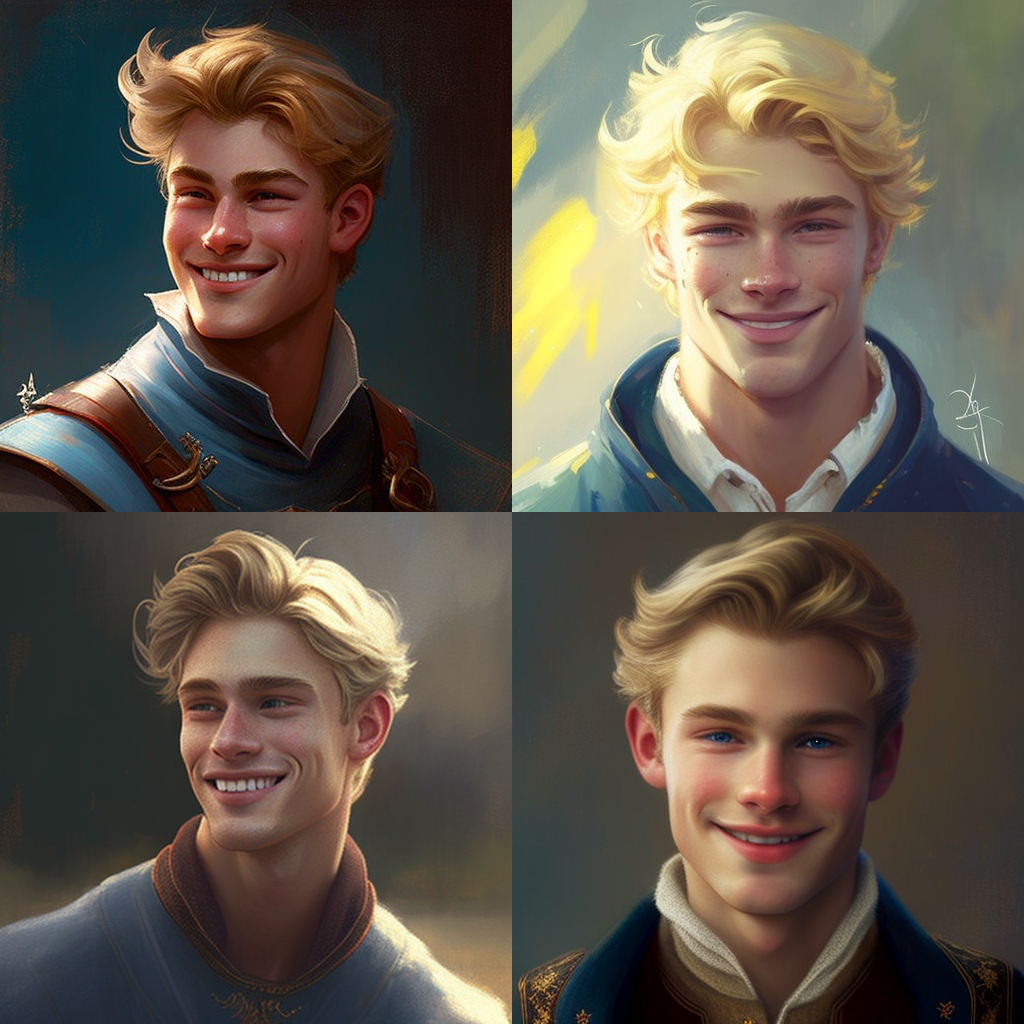 很明显,这些图像与第一张图像有很大的不同。为了量化这些图像与我的原始图像相比,相似度为59.27%,34.93%,48.62%,和44.5%。因此,从质量和数量上看,我证明了人们可以使用种子将风格从一组图像转移到另一组图像(在这种情况下使用面部表情。)
所以我在Midjourney中试验人物设计,我想做的一件事是创造一个可以重复使用的一致的人物。我正在用Midjourney编写一本图画小说《亚瑟王子和魔法森林》,在过去的几天里,我对人物设计进行了大量实验。我想做的一件事是能够改变人物的面部表情或姿势,同时在提示与提示之间保持一致的人物造型。
很明显,这些图像与第一张图像有很大的不同。为了量化这些图像与我的原始图像相比,相似度为59.27%,34.93%,48.62%,和44.5%。因此,从质量和数量上看,我证明了人们可以使用种子将风格从一组图像转移到另一组图像(在这种情况下使用面部表情。)
所以我在Midjourney中试验人物设计,我想做的一件事是创造一个可以重复使用的一致的人物。我正在用Midjourney编写一本图画小说《亚瑟王子和魔法森林》,在过去的几天里,我对人物设计进行了大量实验。我想做的一件事是能够改变人物的面部表情或姿势,同时在提示与提示之间保持一致的人物造型。
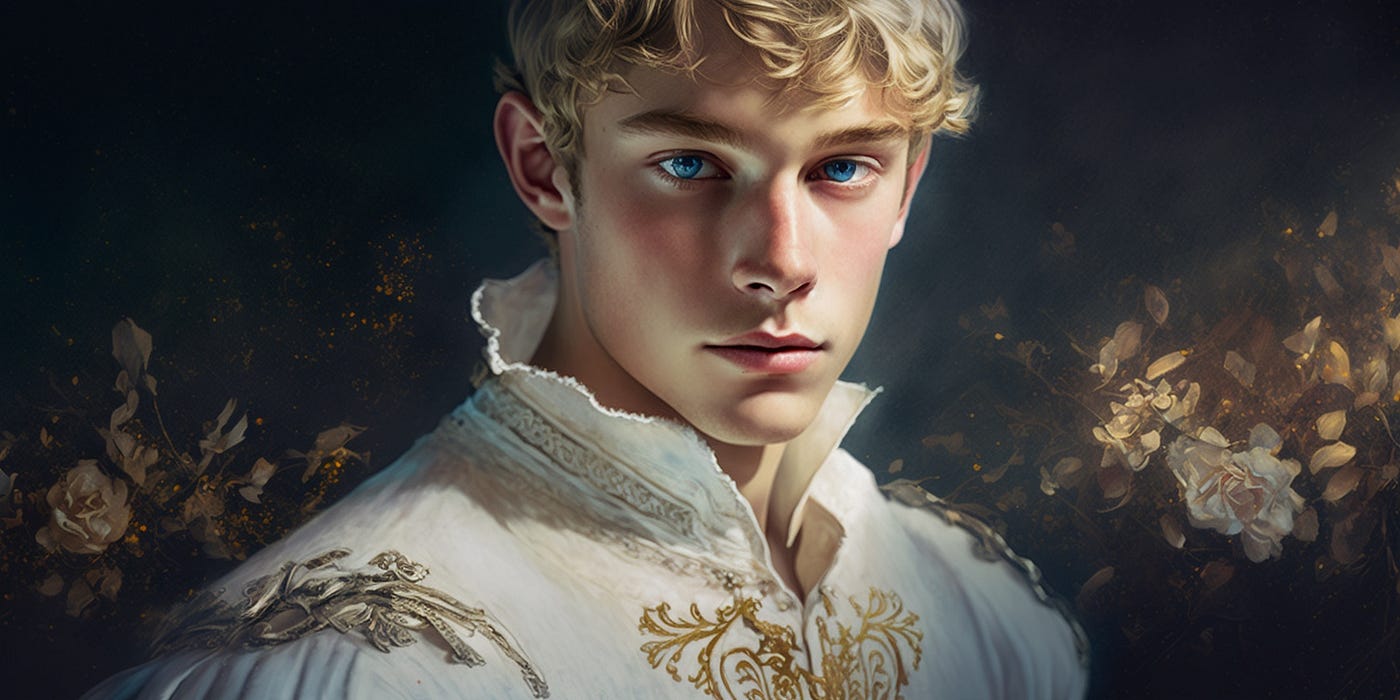 在试验各种提示技术的时候,我开发了一种方法,可以系统地改变一个人物的面部表情,同时保持人物的一致性。我应该注意到,这种方法对人物的 “肖像 “效果最好–从肩膀往上描写人物。我认为要发展和重用人物,就必须对一个人物有不同的视角–肖像画、腰部以上的肖像画、全身的肖像画等等。
首先,人们通常会生成4张带有提示的图片。比如说:
在试验各种提示技术的时候,我开发了一种方法,可以系统地改变一个人物的面部表情,同时保持人物的一致性。我应该注意到,这种方法对人物的 “肖像 “效果最好–从肩膀往上描写人物。我认为要发展和重用人物,就必须对一个人物有不同的视角–肖像画、腰部以上的肖像画、全身的肖像画等等。
首先,人们通常会生成4张带有提示的图片。比如说:
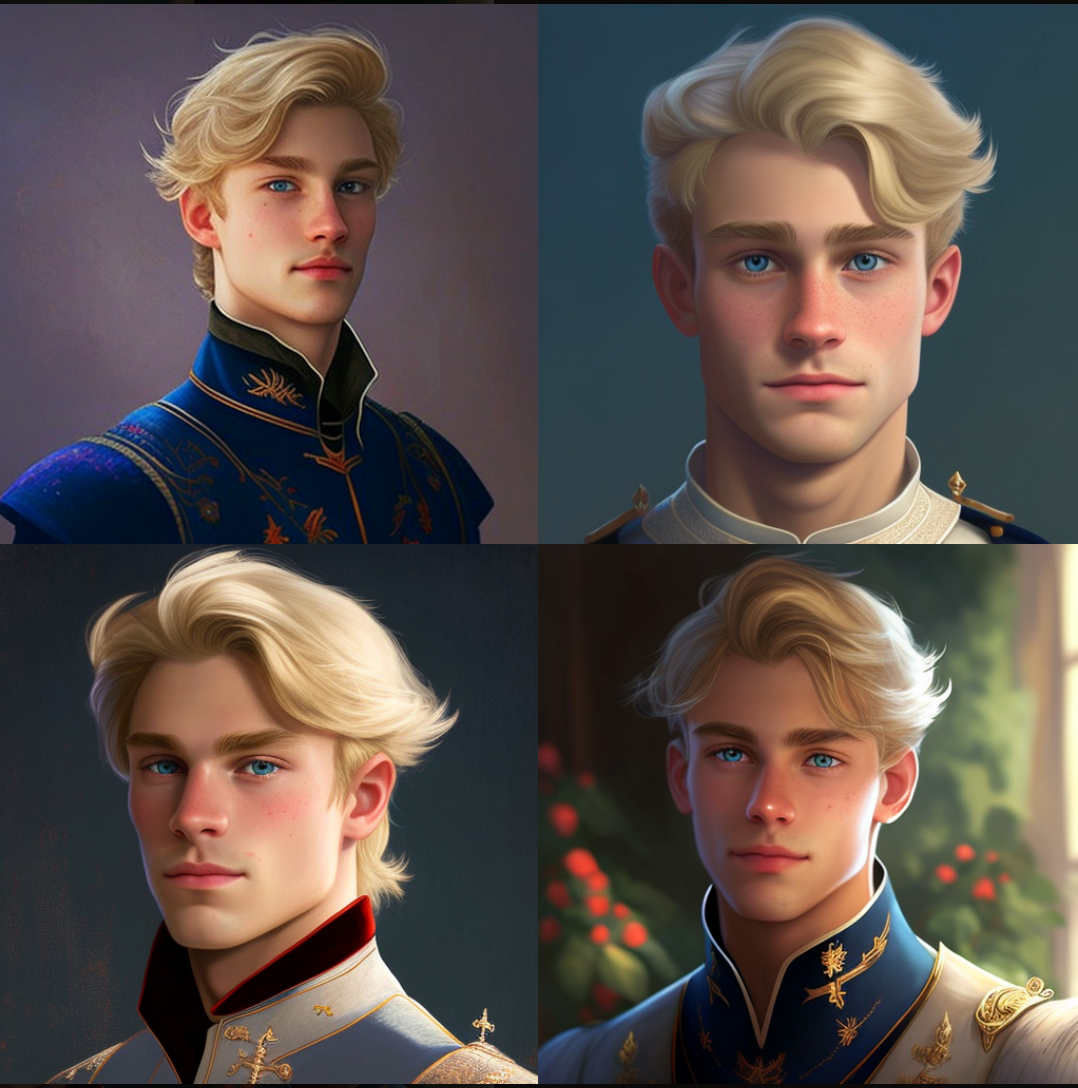 我应该注意到,你会想给这个角色起名字;根据Midjourney的一个Mod的说法:
人工智能不会根据用户的行动而实时学习。这种技术并不像你期望的那样发挥作用。不同结果中的任何字符的相似性纯粹是因为你在提示中使用的共同名字。它不是因为种子或评级。过去的提示并不影响未来的提示。
我将来会在角色命名方面做更多实验。
然后,需要抓住产生这四张图片的种子ID。这一点已经有了广泛的介绍;请看文档:https://github.com/midjourney/docs/blob/main/FAQs.md。
注意,你可以使用这个种子ID重新创建这四张图片,但你需要使用确切的提示块。
我应该注意到,你会想给这个角色起名字;根据Midjourney的一个Mod的说法:
人工智能不会根据用户的行动而实时学习。这种技术并不像你期望的那样发挥作用。不同结果中的任何字符的相似性纯粹是因为你在提示中使用的共同名字。它不是因为种子或评级。过去的提示并不影响未来的提示。
我将来会在角色命名方面做更多实验。
然后,需要抓住产生这四张图片的种子ID。这一点已经有了广泛的介绍;请看文档:https://github.com/midjourney/docs/blob/main/FAQs.md。
注意,你可以使用这个种子ID重新创建这四张图片,但你需要使用确切的提示块。
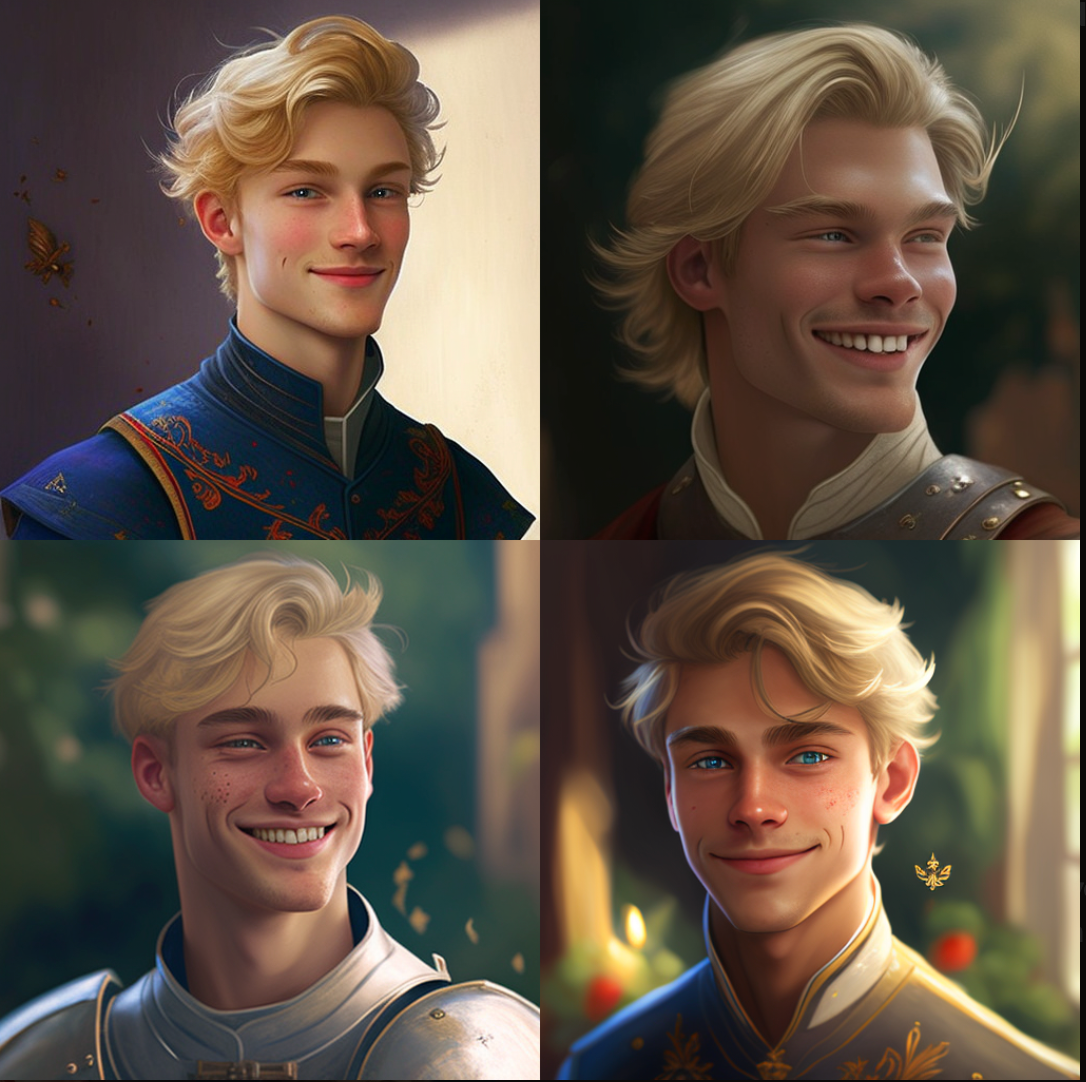 在基本提示权重为1,风格化为800的情况下,结果是:
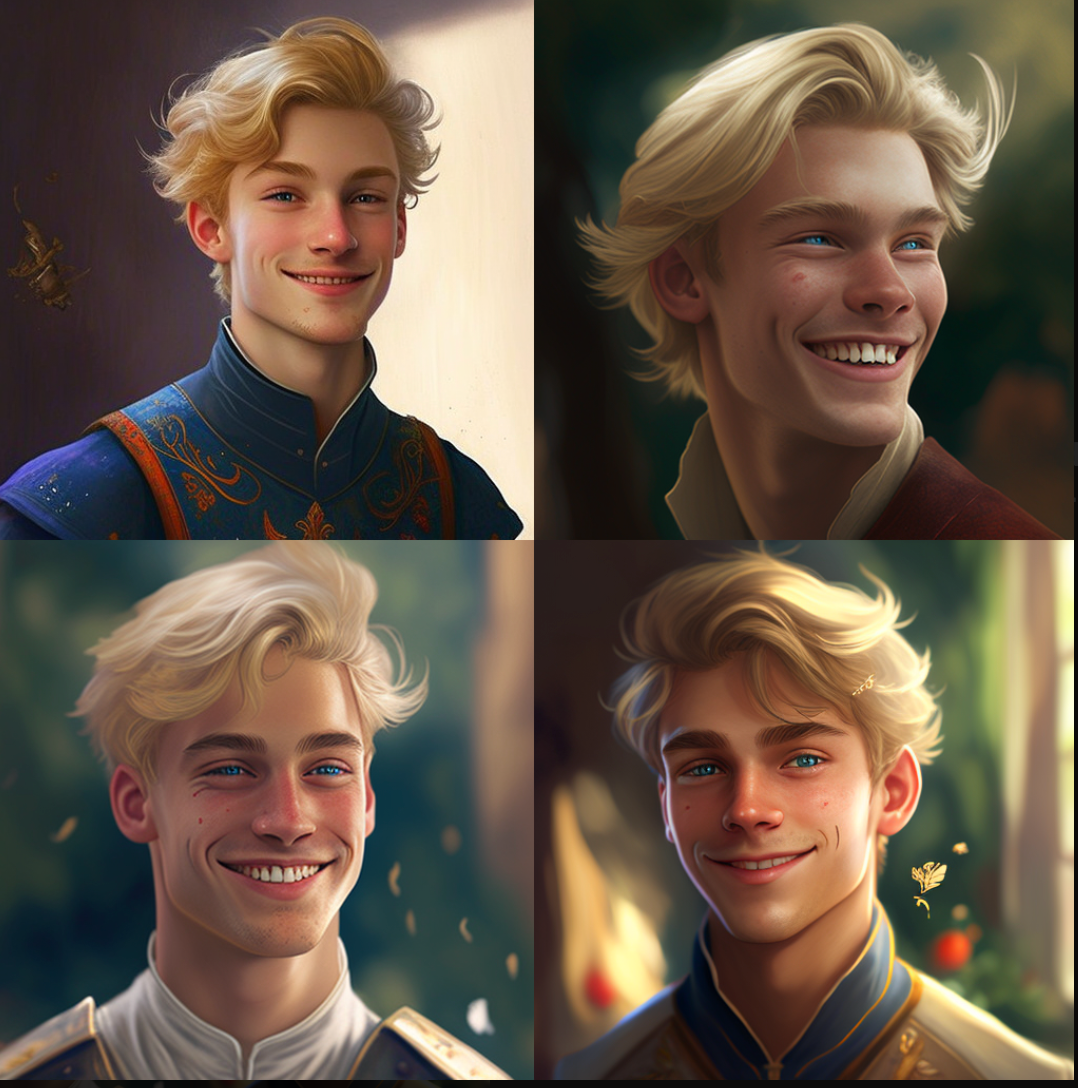 在基本提示权重为1,风格化为100的情况下,结果是:
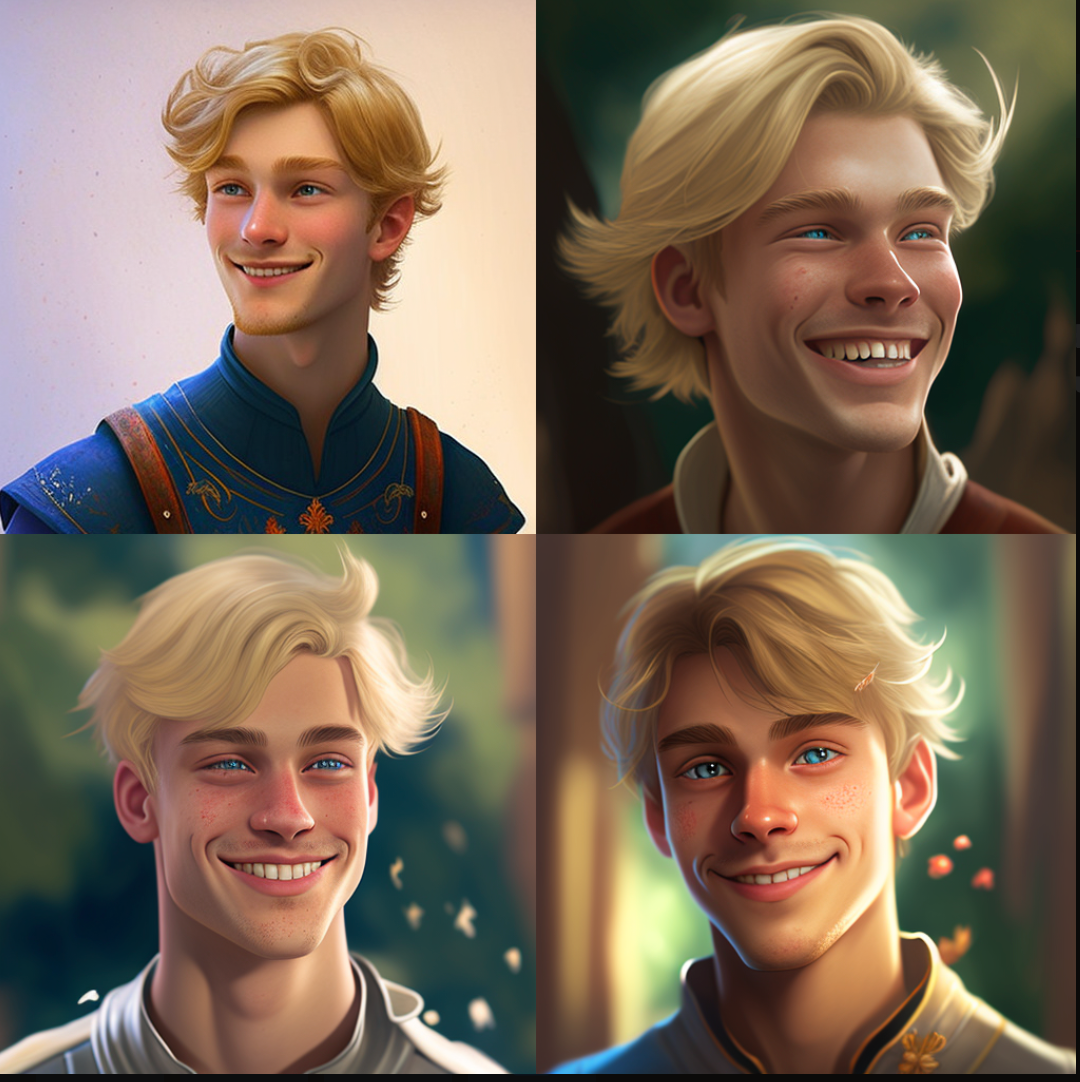 在基本提示权重为3,风格化为800的情况下,结果是:
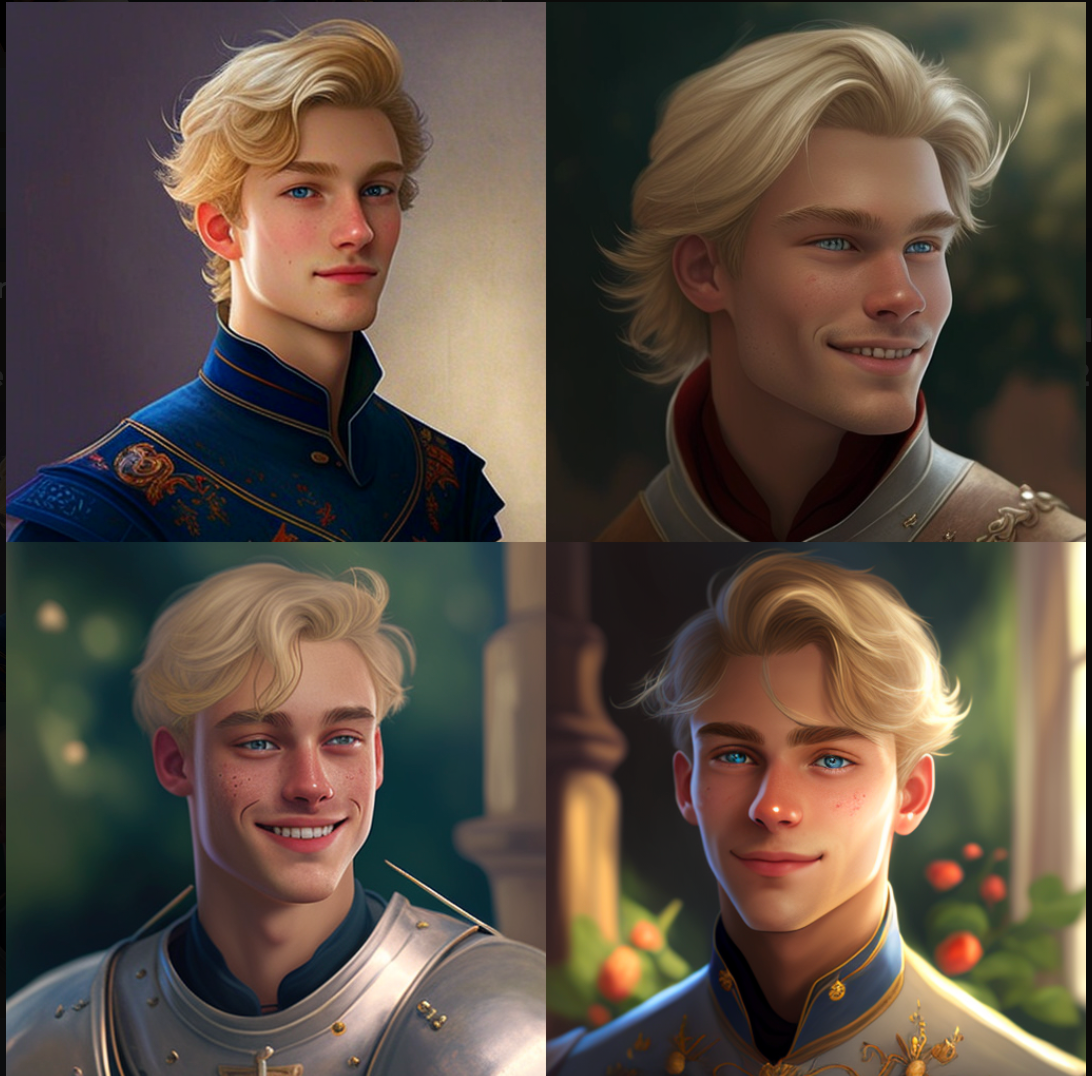 我仍在尝试使用面部表情;这里是一个有
 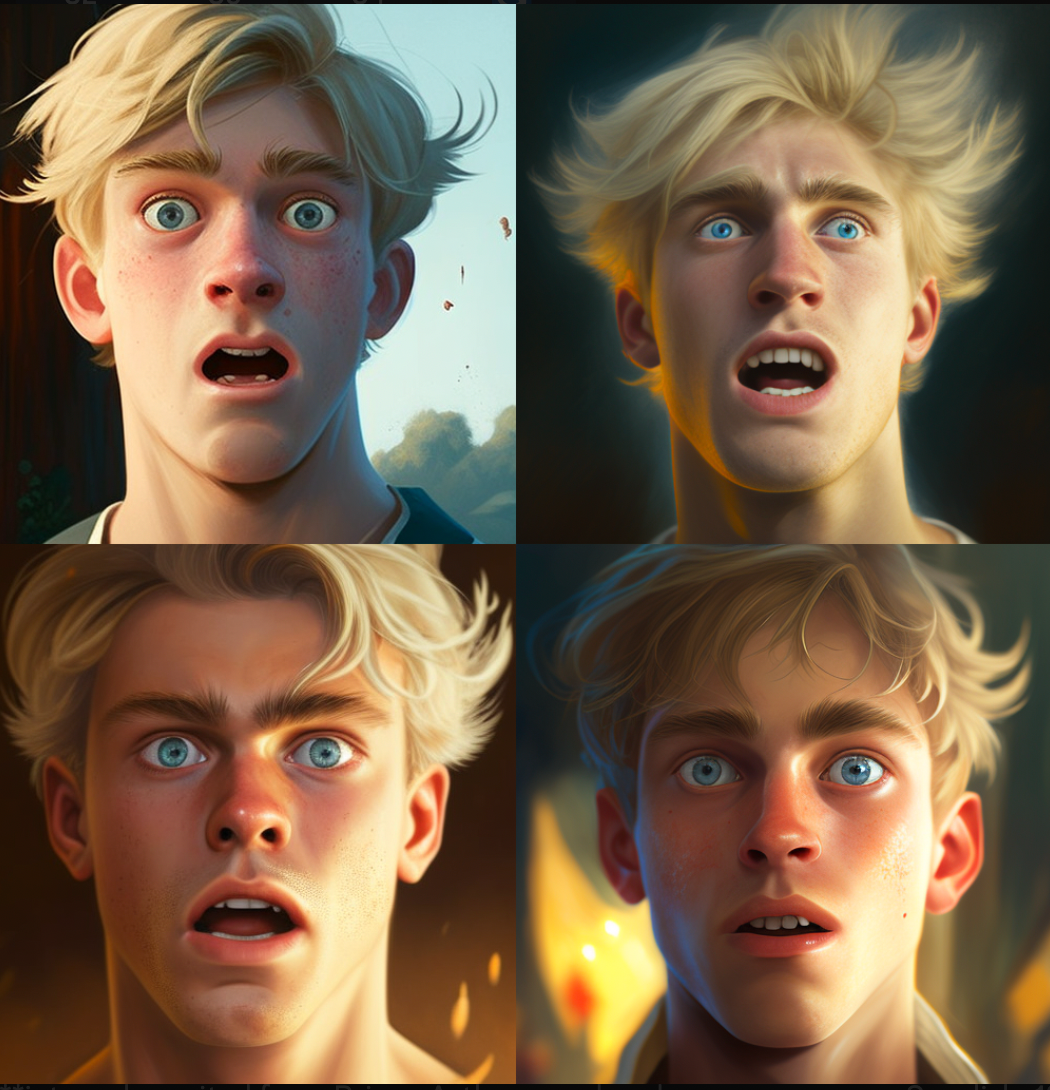 和
和 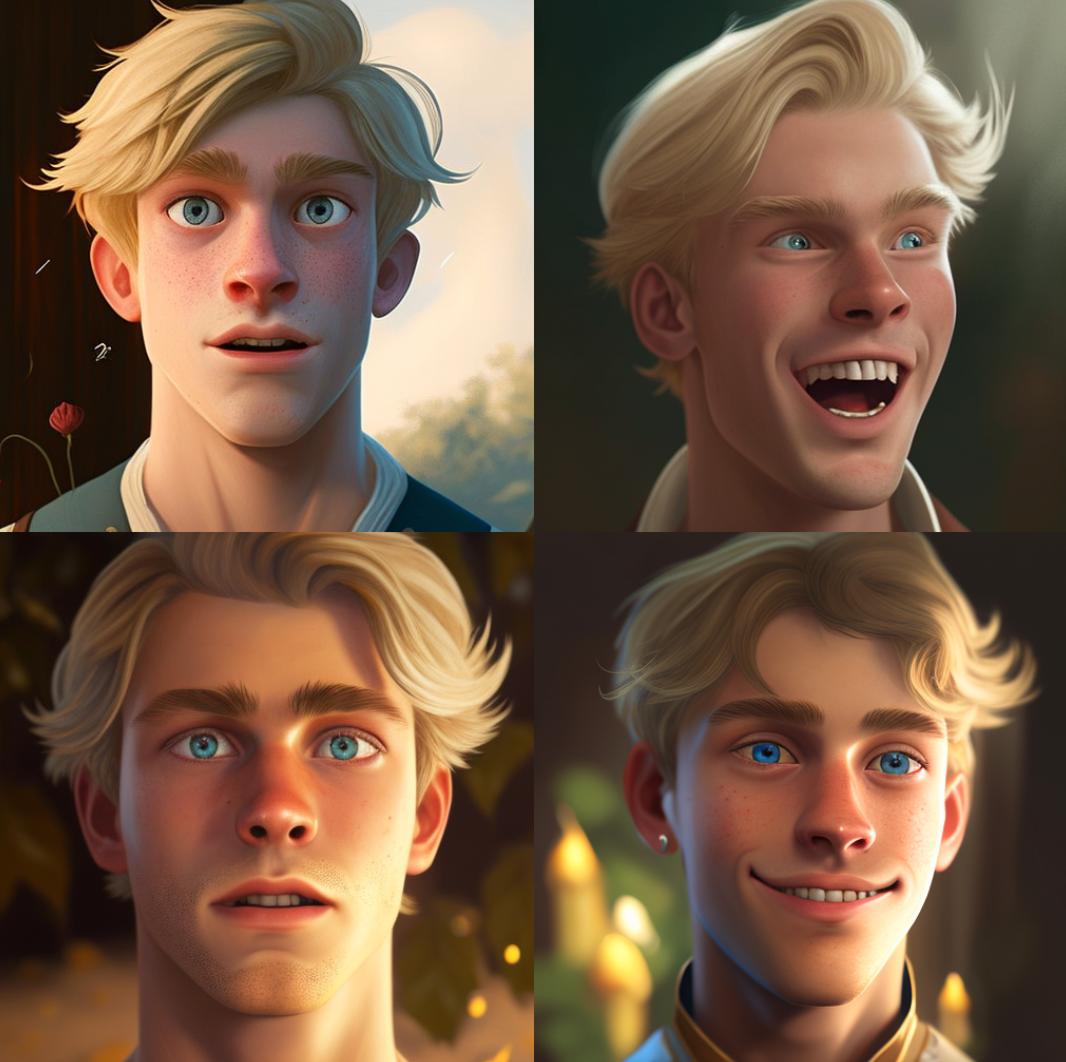
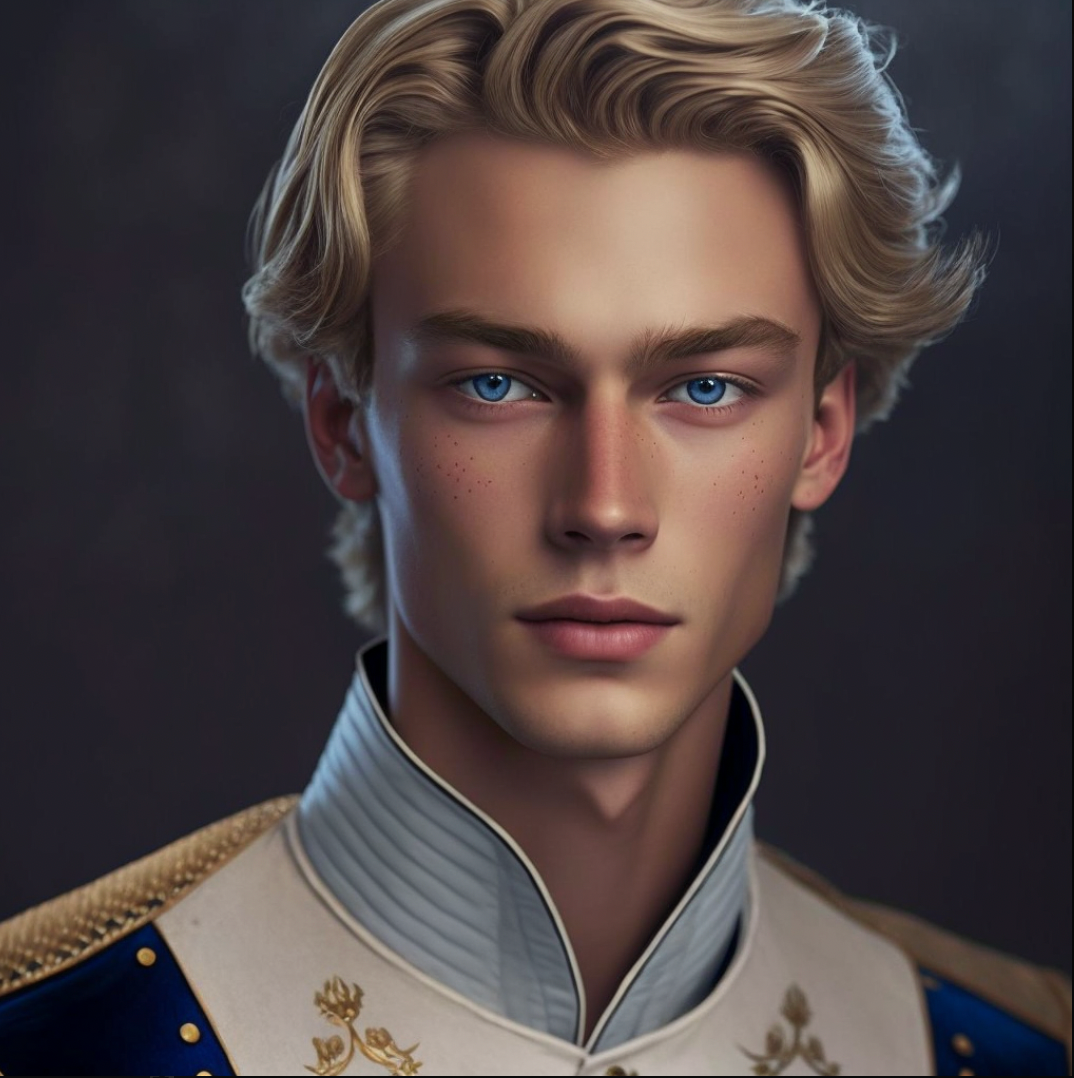 然后把你的图像URL放在面部表情的位置上,并尝试为你的基本提示的不同权重和不同的风格化值:
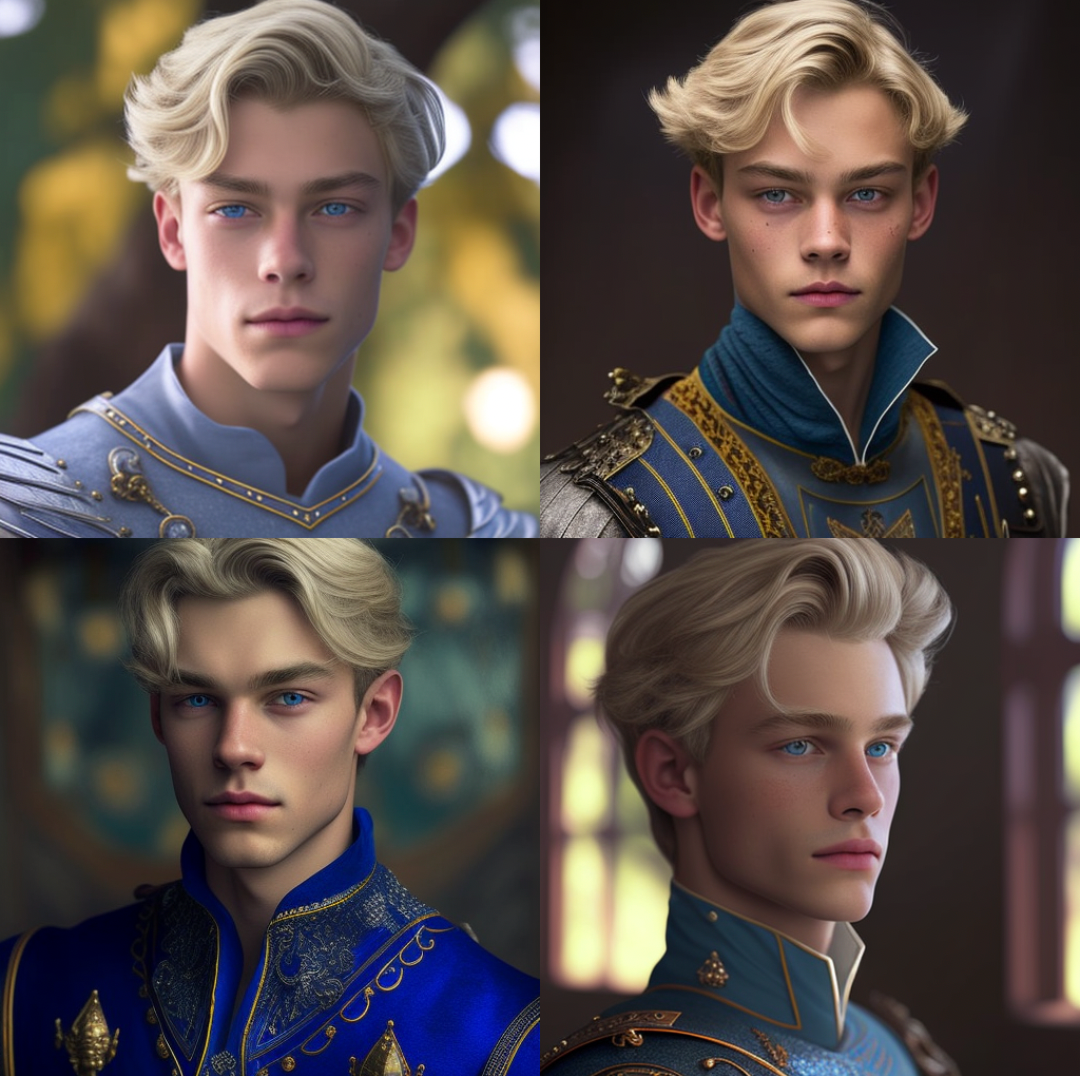 在基础提示权重为1.5,风格化值为800的情况下,我得到了:
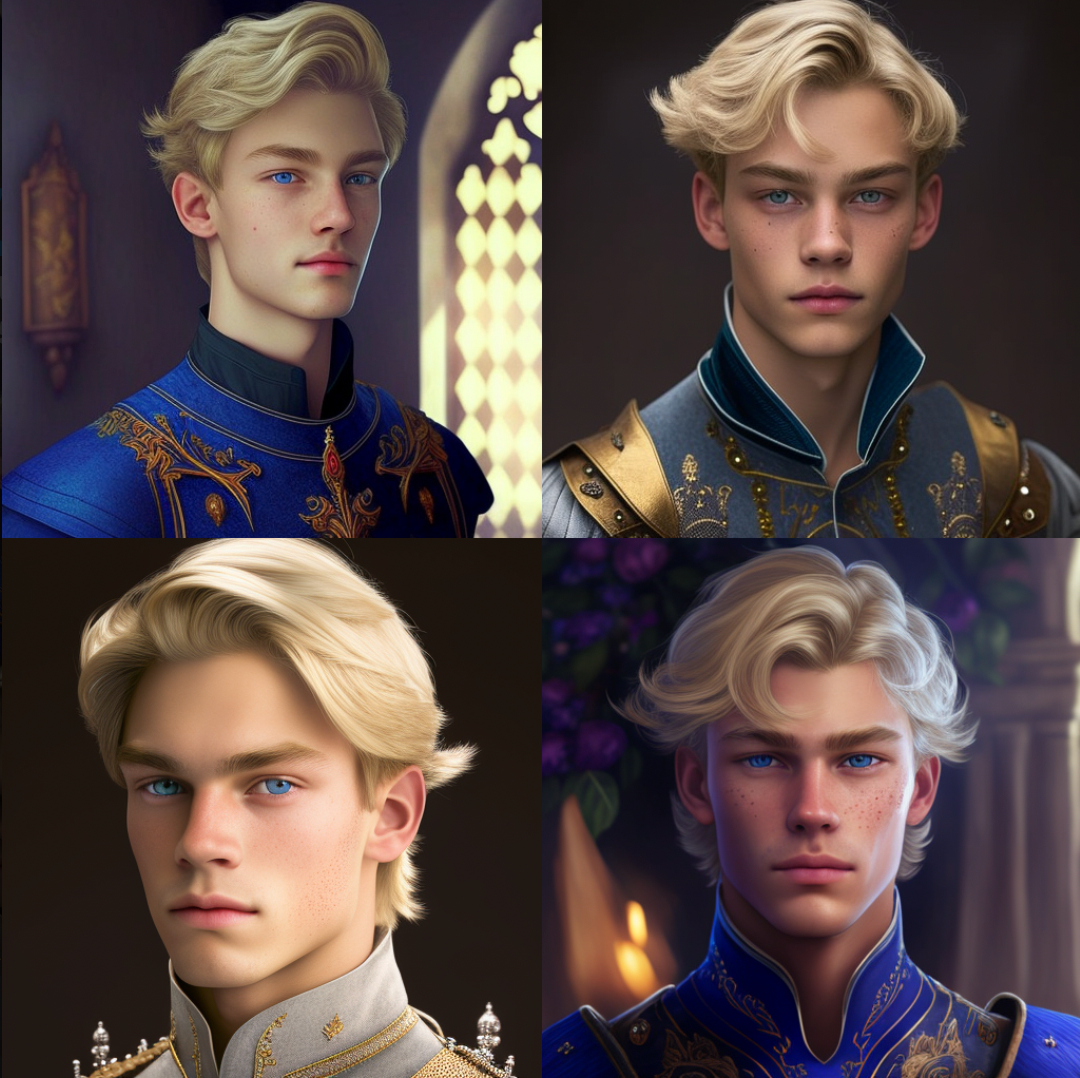 基础提示权重为3,风格化值为800,我得到了:
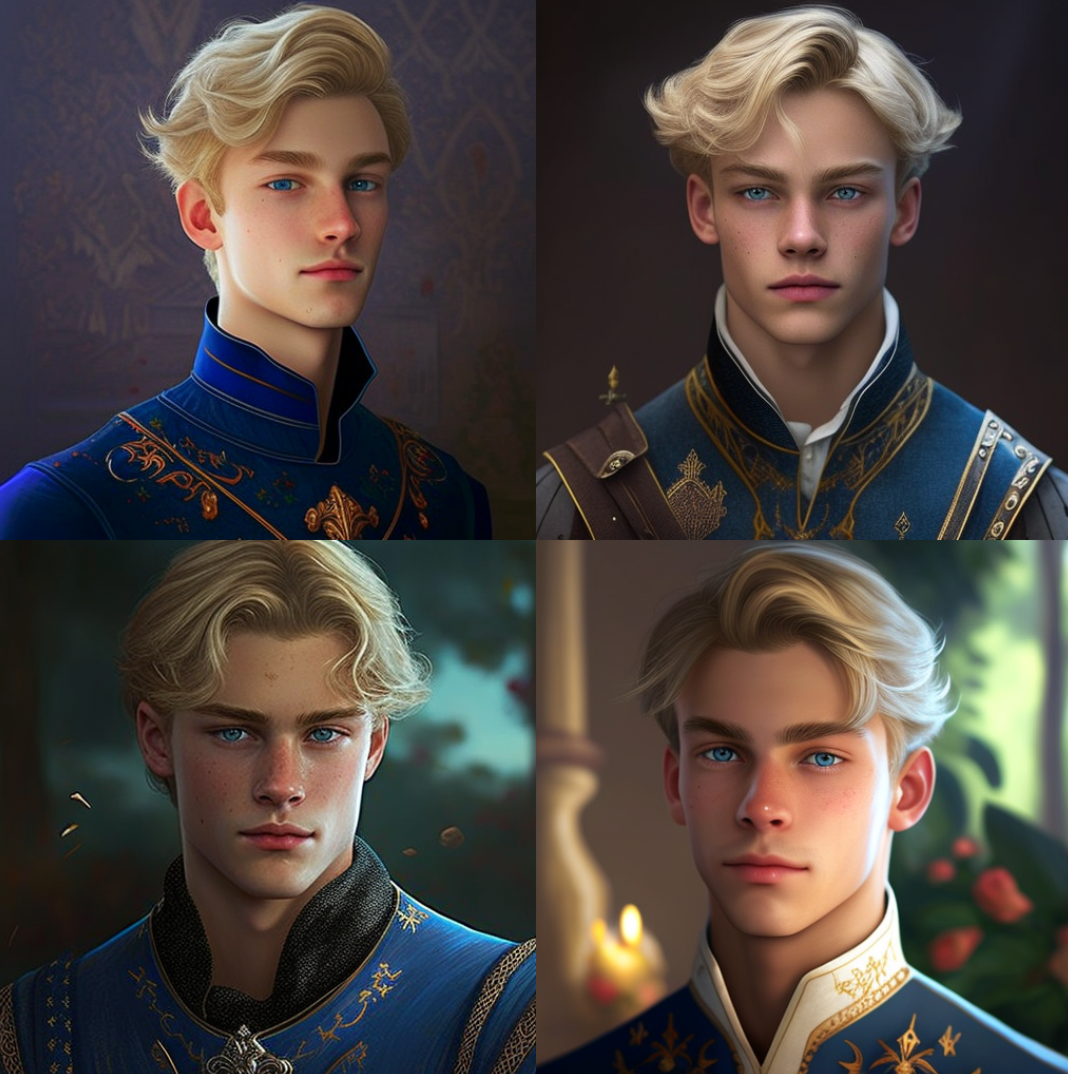 如果基本提示权重为0.25,风格化值为8,你得到的图像就更像图像提示:
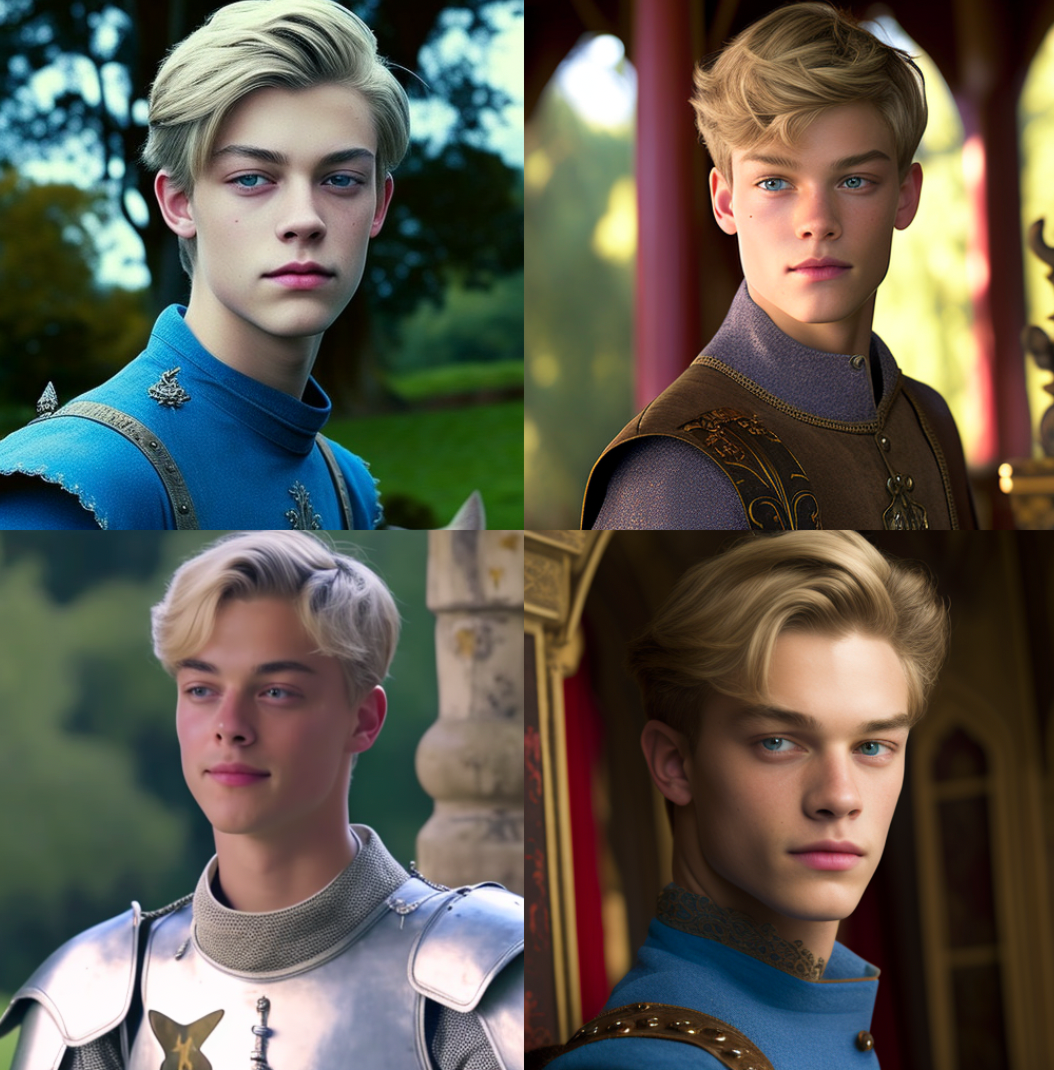 我还试验了背景。例如,简单地加入
 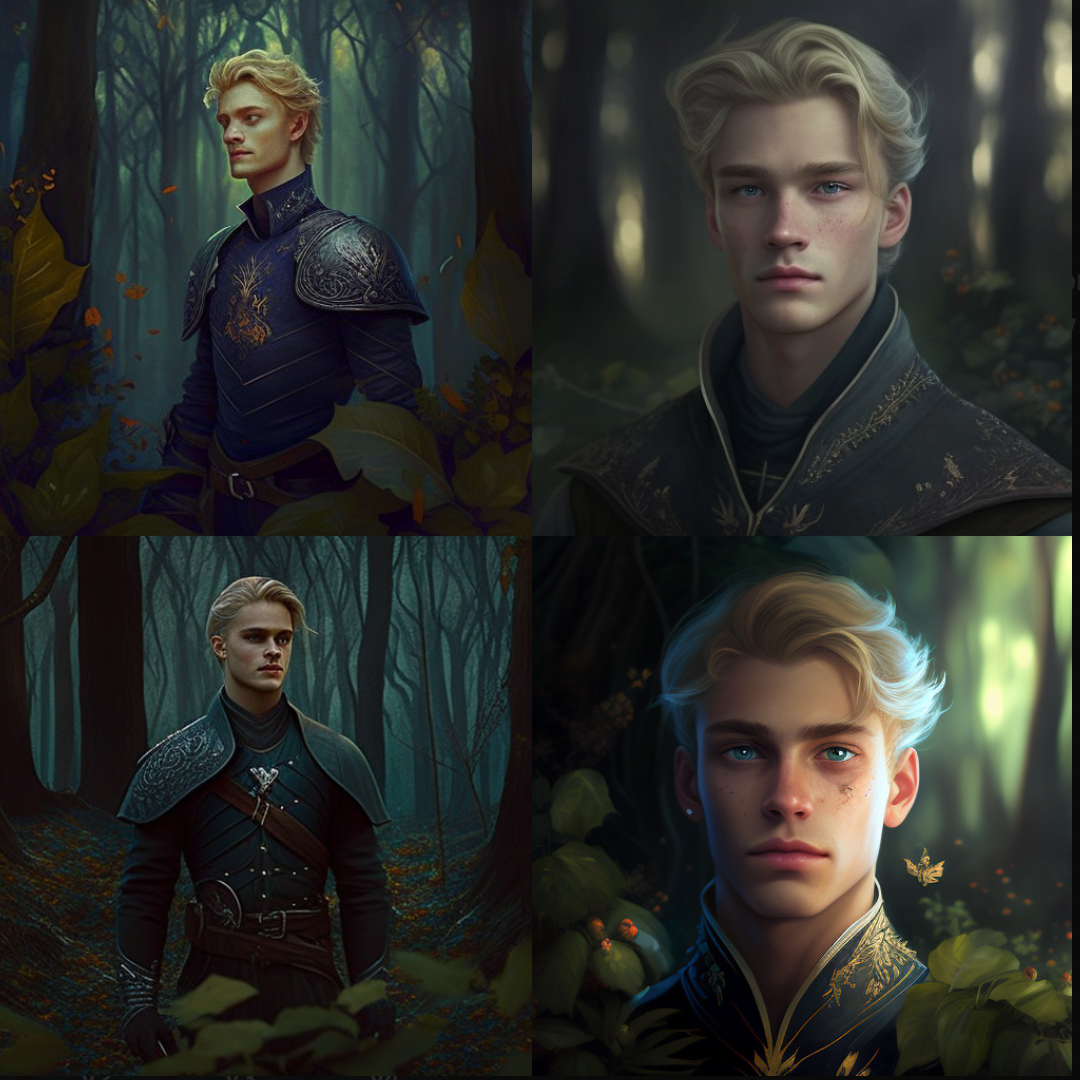 基础提示权重为2,风格化值为800,我得到了:
 基本提示重量为3,风格化价值为800,我得到的是:
 黑客帝国的风格
我想尝试改变人物的风格,通过添加提示次
黑客帝国的风格
我想尝试改变人物的风格,通过添加提示次 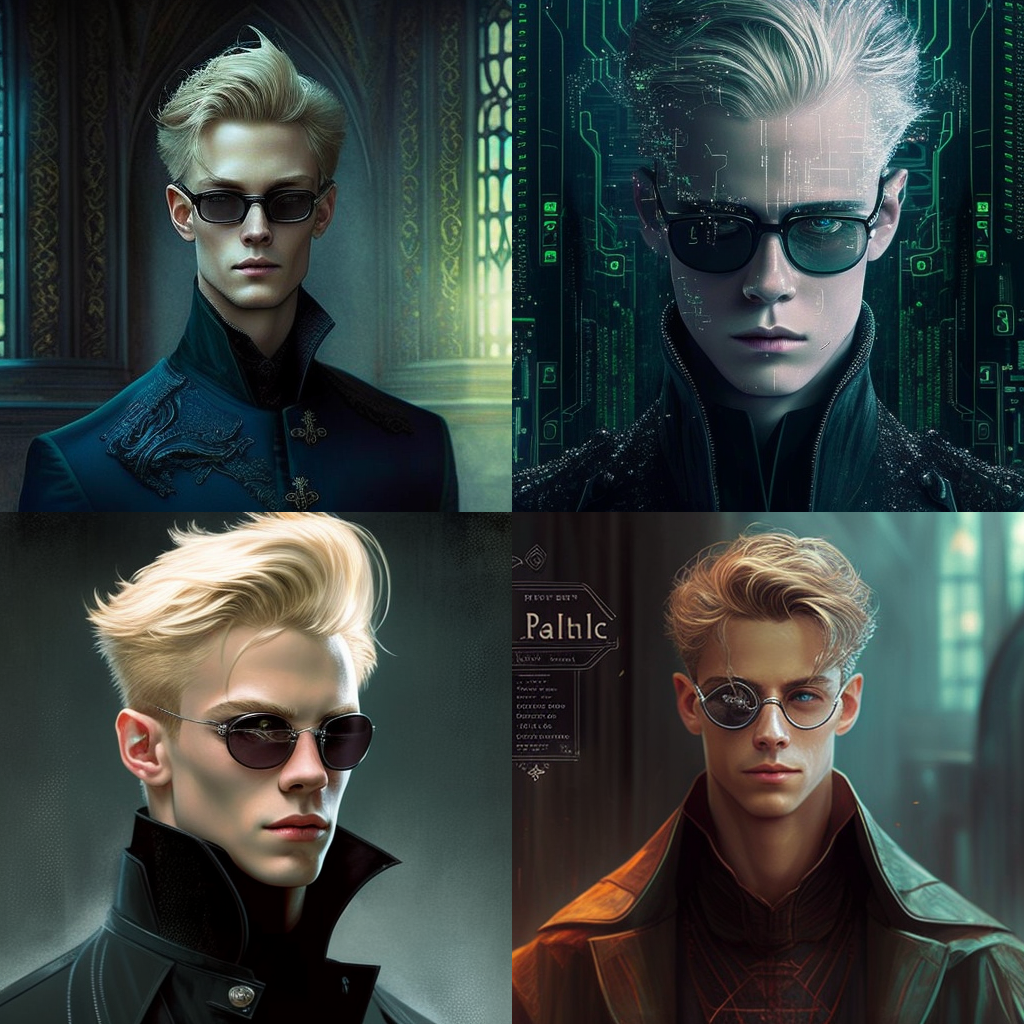 所以你可以看到,结果可能是参差不齐的,但似乎有很大的空间来创造一致的角色的面部表情,以及结合图像提示和背景。我一直在试验身体的姿势,希望能很快公布我的结果。我希望你觉得这很有用。



评论区 (0)
最新评论登录后发布评论并参与互动。
暂无评论,欢迎抢沙发。